
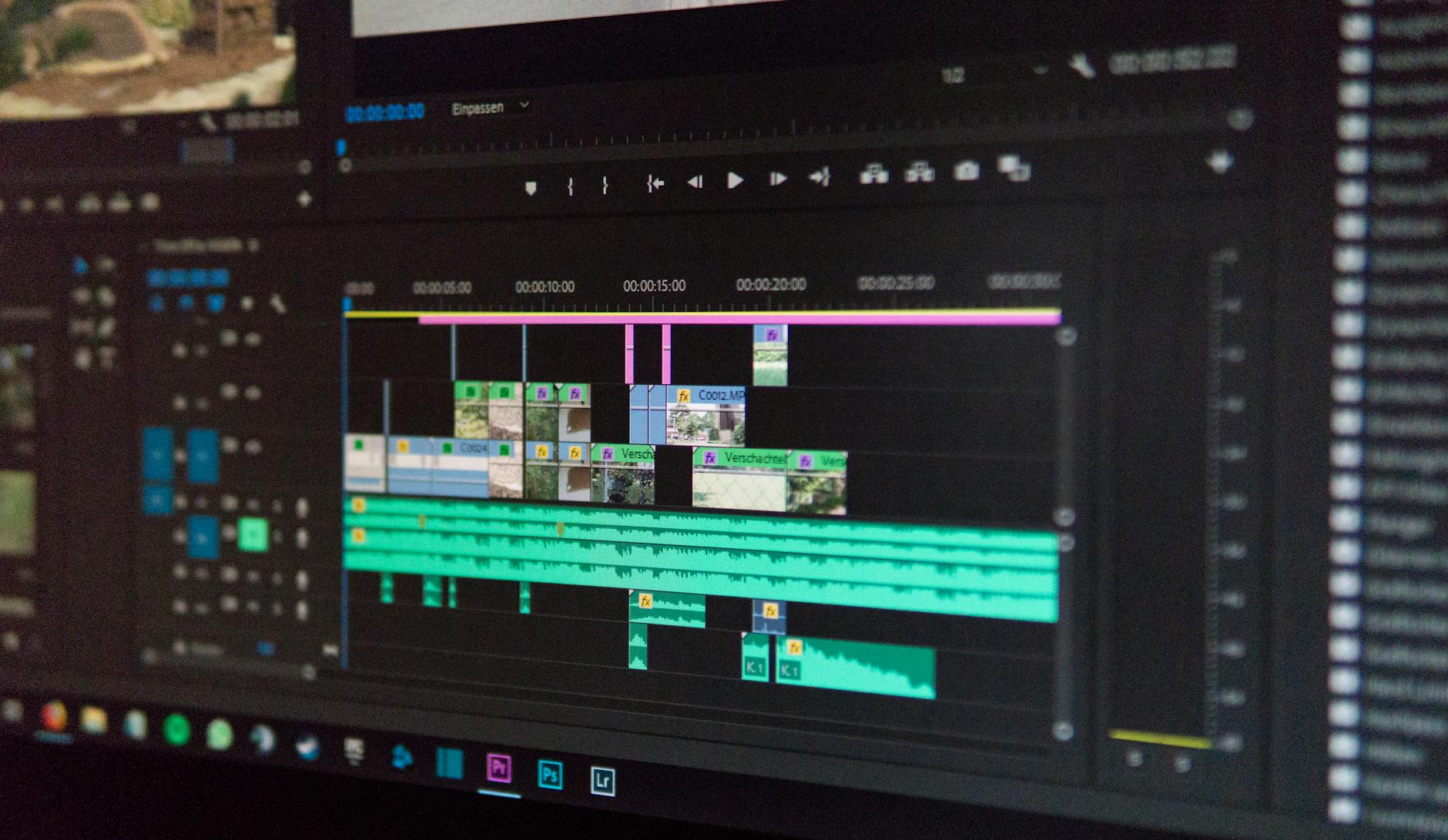
Chapter markers have moved from a nice-to-have feature into a genuine structural tool for anyone publishing long-form video. On YouTube, timestamped chapters appear automatically in the progress bar whenever a creator adds three or more timestamps to a video description. On podcasts going visual, on branded explainers, on corporate training modules: the same idea is spreading fast. Viewers don't want to scrub blindly through a 45-minute video to find the three minutes they care about. Chapter markers let them skip straight there, and the platforms reward creators who respect that instinct.
What chapter markers actually do to viewing behaviour
The obvious function is navigation. A viewer arrives at a long video, scans the chapters, decides what's worth their time, and jumps in. That sounds like it might reduce watch time. In practice, the opposite is common. Viewers who know they can leave at any point are more willing to start. The psychological barrier to pressing play drops when the content is transparent about what it contains.
There's a second effect that matters more for brand publishers. Chapter markers force the creator to name each section, which exposes weak structure fast. If you struggle to write a chapter title for a section, the section probably shouldn't exist. The naming process acts as an editorial filter. It's the same pressure that writing a table of contents puts on a book: you either have clear, purposeful chapters or you discover you don't.
Retention data on YouTube consistently shows that well-chaptered videos have smoother drop-off curves than unchaptered ones of similar length. Viewers don't leave in frustration mid-scroll; they exit at natural chapter boundaries, which platforms read as deliberate engagement rather than abandonment. That distinction affects how the algorithm weighs the content.
How platforms handle chapters differently
YouTube renders chapters in the progress bar and as a visual list beneath the video. Clicking a chapter name jumps the playhead and also updates the URL with a timestamp parameter, which means each chapter is effectively its own shareable deep link. That's underused. A creator can share the URL for chapter three of a product walkthrough directly in a sales email and drop the viewer exactly where the relevant feature begins.
Vimeo supports chapters through its chapter tool in the video manager, with slightly more control over naming and thumbnail selection. On native social platforms like Facebook, chapter-style navigation isn't natively supported in the same way, though creators work around this with pinned comments and timestamps in captions.
For creators embedding video on their own sites, players like Video.js support custom chapter tracks via WebVTT files, giving full control over how chapters display. This matters for businesses building course libraries, documentation hubs, or product education centres where the viewer experience is as important as the content itself.
Chapters and the connection to content strategy
The shift toward chapter markers reflects a broader change in how audiences relate to long-form video. Viewers no longer treat a video as a sealed object to consume from start to finish. They treat it as a structured resource to interrogate. That's the same expectation they bring to a well-organised article or a documentation page.
For video marketers, this has a practical implication. Content designed to be navigated needs to work at the chapter level, not just the video level. Each chapter should open with enough context that a viewer who jumped in cold can orient themselves within 10 seconds. That constraint improves the overall structure of the video, not just the chapters themselves.
It also connects directly to how short-form video is reshaping digital content strategy. The same audience conditioned by 30-second clips approaches long-form content with the same expectation: get me to the relevant part quickly, or I'm gone. Chapter markers are how long-form content adapts to that expectation without abandoning depth.
Chapters as an SEO asset
YouTube indexes chapter titles. A chapter titled "How to set a white balance manually" is a searchable string that can pull a viewer into your video at exactly that moment. Google also surfaces video chapters directly in search results, displaying timestamps beneath video thumbnails in some queries. That means a well-chaptered video can rank for multiple search intents within a single upload.
This has meaningful overlap with the principles behind strong video SEO strategies: the more accurately the metadata reflects the content, the more surfaces the video can be discovered from. Chapter titles are a form of metadata. Treat them with the same keyword discipline you'd apply to a page title or a heading tag.
The practical advice is simple. Write chapter titles as the question or task the viewer has in their head, not as internal labels. "Introduction" tells a search engine nothing. "What chapter markers do to watch time" gives it a query to match.
What this means for production planning
Chapters work best when they're planned before the camera rolls, not added as an afterthought in post. A shoot structured around clear sections produces footage that edits cleanly into chapters. A shoot that runs as a single unbroken conversation produces footage that's hard to chapter without awkward cuts.
West Melbourne Studios approaches long-form production by mapping the chapter structure in the brief stage. The chapter list becomes the shoot outline. Each section has a named purpose, a rough duration, and a clear opening line. That discipline speeds up the edit and produces a final video that's genuinely navigable, not just technically chaptered.
For businesses commissioning long-form video, the chapter structure is worth discussing with your production team before pre-production closes. Ask for the chapter list as a deliverable alongside the script. If the production team can't produce one, the video probably isn't structured well enough to hold a viewer's attention past the first ten minutes regardless of chapter markers.