
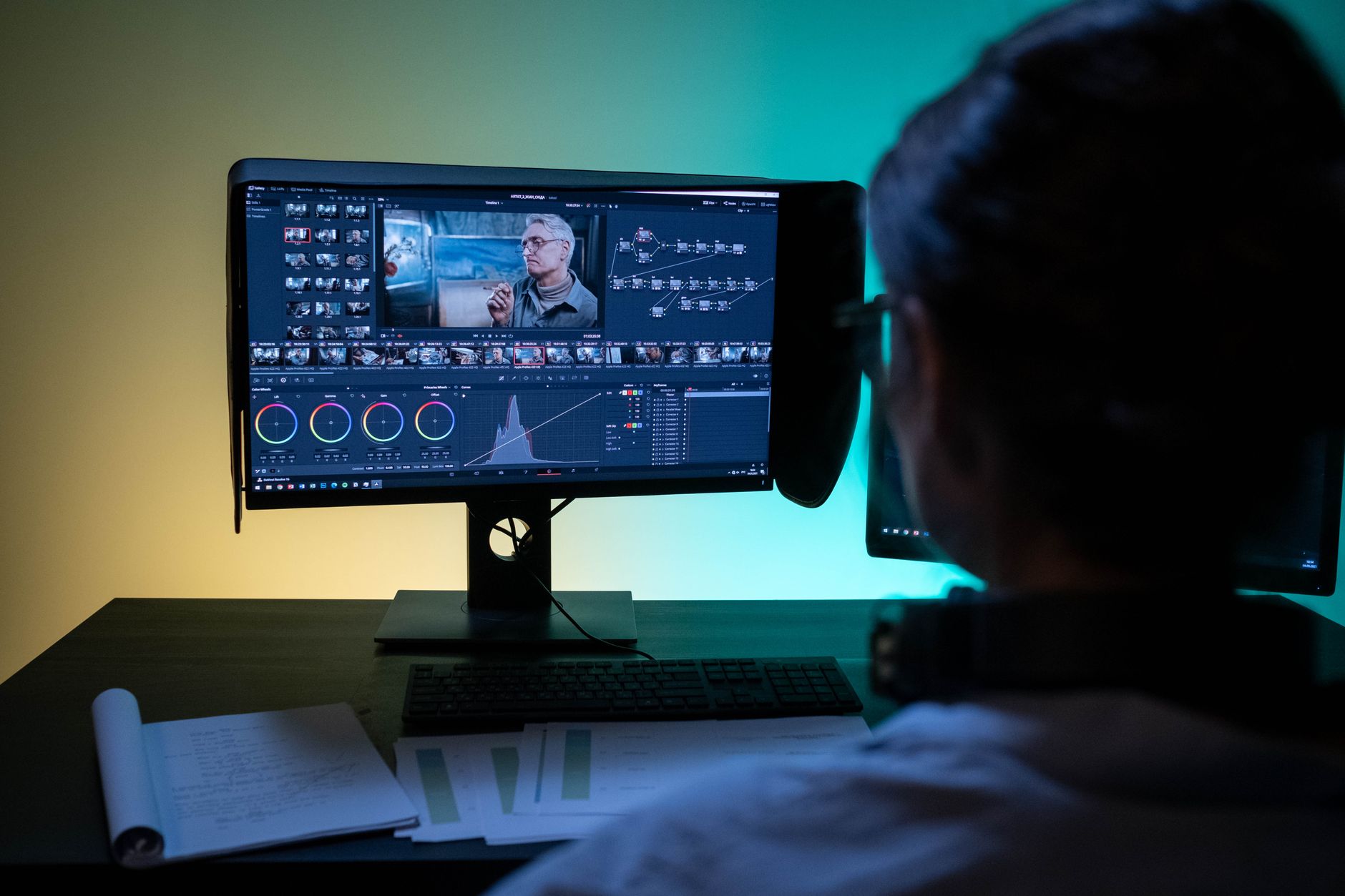
Video colour correction has traditionally been one of the most time-intensive stages of post-production. A trained colourist might spend half a day balancing exposure, neutralising unwanted colour casts, and matching shots across a scene. AI-driven tools now promise to handle much of that work automatically, and in many situations they deliver. For studios and production teams managing volume, the shift is worth paying close attention to.
What AI colour correction tools actually do
Most AI colour correction engines work by analysing each frame and applying corrections based on training data drawn from thousands of professionally graded projects. The system identifies skin tones, sky regions, shadow detail, and highlight rolloff, then applies adjustments to match a statistical model of what a "correctly exposed" or "natural" image looks like. Tools like DaVinci Resolve's Magic Mask and colour science features use machine learning to track subjects across frames and isolate adjustments with far greater precision than manual masking once allowed.
The practical result for a production team is speed. A 10-minute corporate interview that once required 90 minutes of manual correction can pass through an AI-assisted pipeline in under 20. That matters especially when output volume is high and turnaround windows are tight.
Where the technology genuinely improves the process
Three areas have seen the most reliable improvement. Shot matching across a multicamera interview is the clearest win: AI tools now compare reference frames and normalise colour temperature, exposure, and contrast across all angles without a colourist cycling through each cut manually. The second is noise reduction. AI-based noise removal, applied during colour work, reconstructs fine detail rather than simply blurring it, which preserves texture at high ISO or in underlit conditions. Third is automatic scene detection and grouped correction: the system segments a timeline by scene and applies a base correction pass to each group, so the colourist inherits a clean starting point rather than a raw, inconsistent timeline.
West Melbourne Studios has found this particularly useful for documentary-style shoots where camera operators capture material across varied lighting conditions throughout a single day. Getting to a balanced starting point in minutes rather than hours changes the shape of a post-production schedule considerably.
The limits of algorithmic colour decisions
AI correction is optimised for natural-looking output, which is precisely the problem for work that isn't meant to look natural. A thriller that needs desaturated greens and crushed blacks, a nostalgic brand film calling for warm, faded midtones, or a fashion piece requiring heightened skin luminosity: none of these translate well to an automatic pass. The algorithm corrects toward a centre. It doesn't interpret creative intent.
There's also the problem of edge cases. Mixed lighting, heavily filtered camera looks, and footage shot with unusual log profiles can confuse the analysis stage and produce corrections that are worse than the original. These are solvable, but they require the colourist to intervene, check, and override. That intervention step is not always faster than starting from scratch manually.
This distinction is worth understanding alongside the broader shift in AI-assisted colour grading workflows, where the conversation moves from raw correction into the creative grading stage. Correction and grading are different jobs, and AI handles the first far more reliably than the second.
What this means for post-production budgets and timelines
The practical effect is compression at the bottom of the budget range. Straightforward corporate video, talking-head interviews, event coverage, and training content can now reach a finished grade at significantly lower cost because less colourist time is required. For agencies producing high volumes of that kind of content, AI-assisted correction is becoming a standard part of the pipeline rather than an experiment.
At the high end, the story is different. Narrative work, branded content that carries a strong visual identity, and campaigns where colour is a deliberate part of the creative language still require a skilled colourist working with intention. AI tools serve as a time-saving first pass in those contexts, but they don't replace the final grade. The same logic applies to productions where the cinematographer has built a specific look at the shoot stage that needs to be preserved rather than normalised away.
This budget pressure also intersects with the wider changes happening across AI-generated production assets. Studios already navigating AI-generated B-roll and its effect on production budgets are finding that multiple stages of the pipeline are shifting simultaneously, which changes how project estimates and resource plans need to be structured.
Colour continuity and the human check
One risk that AI correction introduces is false confidence. A timeline that looks consistently balanced on a quick scroll may still have individual frames where the algorithm made a poor decision: a briefly overexposed highlight it clipped rather than rolled off, or a skin tone in profile that drifted cooler than the matching frontal shot. Fast output creates pressure to skip a thorough review pass. That's a production quality problem, not a technology problem, but the technology enables the bad habit.
West Melbourne Studios treats AI-assisted correction as a first draft, not a final deliverable. Every project still passes through a human review at the colour stage, with particular attention to scenes that mix lighting sources and to any shot where the subject's face is prominent. The AI saves time getting to that check; it doesn't replace it.
Choosing the right tools for your pipeline
The market for AI colour tools has grown quickly. DaVinci Resolve remains the most fully integrated option, with its neural engine handling automatic colour balance, scene cut detection, and subject-aware masking inside the same application where the final grade happens. Assimilate Scratch offers AI-assisted dailies processing useful for larger productions handling raw camera files at volume. Standalone AI correction tools aimed at social media producers exist at lower price points, though they offer less control and are harder to integrate with professional NLEs.
The choice depends less on the technology and more on where in the pipeline the correction sits. For dailies and offline editorial, speed matters most. For finishing, control and predictability matter more. The best AI tools in a professional context are the ones that stay out of the way when you need them to and hand off cleanly to a human when the creative stakes rise.
AI colour correction is not making colourists redundant. It's restructuring how their time is spent: less on correcting what should have been correct to begin with, more on the decisions that require genuine visual judgment. That's a reasonable trade for most production teams.