
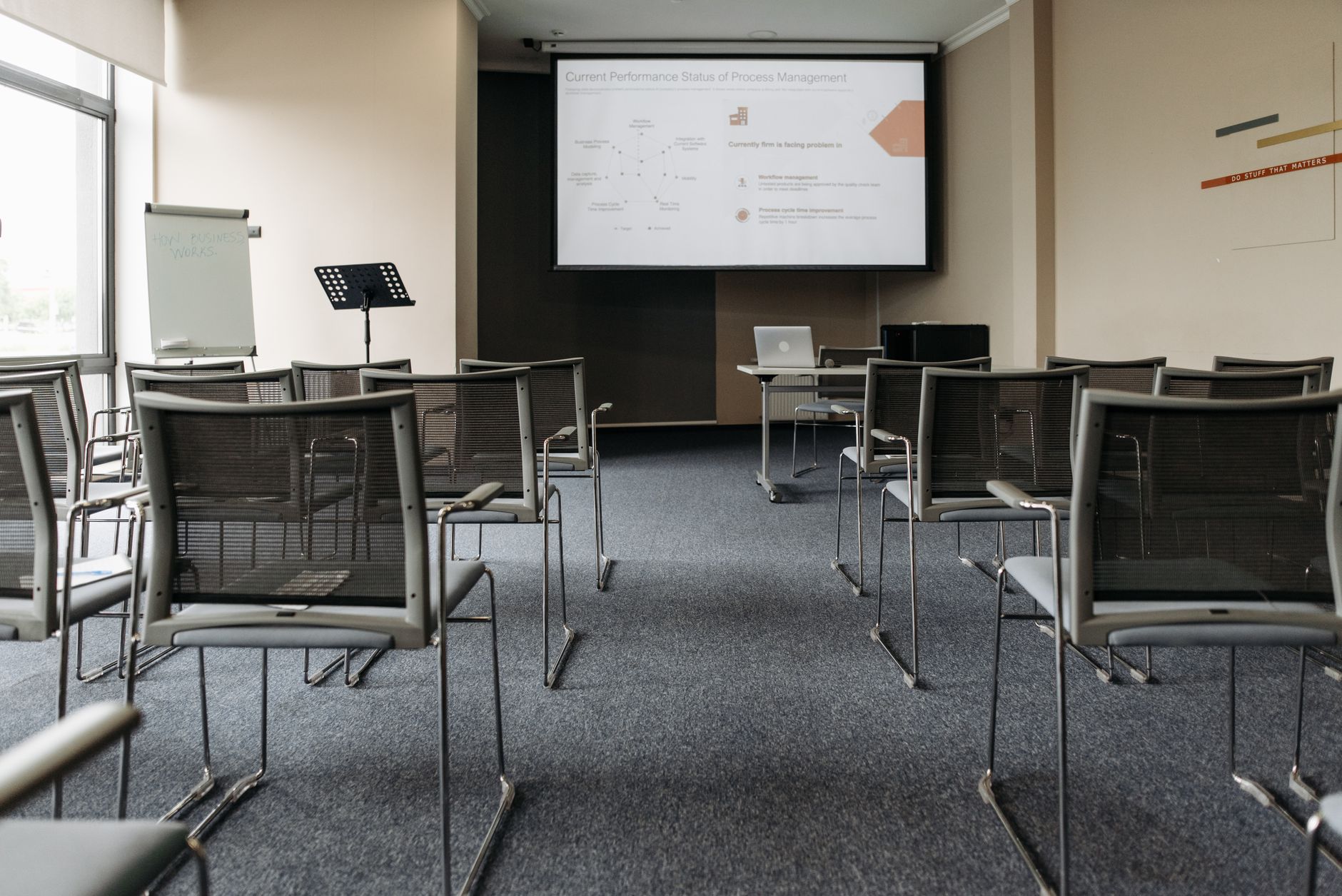
Training and development video is one of the most practical investments a business can make in its people. Unlike a single in-person session that disappears the moment someone walks out of the room, a well-made training video stays. Staff can rewatch it at 2x speed before a performance review, a new hire can access it on their first day, and a remote team in a different time zone gets exactly the same information as the Sydney office. The format solves a problem that documents and slide decks never fully managed.
Most businesses that fail at training video make the same mistake: they treat it as a recording of a meeting. Someone shares their screen, talks for 40 minutes, and the result is a video nobody watches twice. Effective training content is designed for video from the start, not converted from something else after the fact.
Why video outperforms other training formats
The core advantage of video is that it externalises expertise. When your best salesperson explains how they handle an objection, that knowledge lives in their head. A short video of them walking through it once means 200 future employees benefit from a 10-minute conversation. That's the compounding effect most L&D teams undervalue.
Retention is the other factor. Research in cognitive science consistently shows that people retain information far better when it's delivered through combined audio and visual channels than through text alone. A process that takes three paragraphs to describe in a manual takes 45 seconds to show on screen. The viewer understands it faster and recalls it more reliably.
There's also the consistency argument. A live training session depends on who delivers it and what mood they're in on the day. A video is identical every time. For compliance training, safety procedures, or any process where variation is costly, that consistency matters a great deal.
Formats that work for training and development
Not every type of training suits the same format. These are the four most effective, each with a specific job to do.
- Explainer videos cover a single concept in 2 to 4 minutes. They work best for onboarding modules, product knowledge, and company policy walkthroughs.
- Screen-capture tutorials are ideal for software training, where showing the interface is far clearer than describing it. Tools like Loom or Camtasia handle basic captures; a production studio adds proper narration, branded graphics, and chapter markers.
- Talking-head interviews work when authority and personality matter, such as a department head explaining team culture or a compliance officer walking through regulatory obligations.
- Scenario-based videos show a situation playing out rather than explaining it. A customer service scenario where a viewer watches a call handled well (and then handled poorly) is more instructive than a list of dos and don'ts.
The scenario format is the most production-intensive, but it's also the most effective for behaviour change. When someone sees a real consequence play out on screen, they remember it differently than when they read about it.
How to structure a training video library
A common mistake is producing a handful of long-form training videos and calling it a library. In practice, shorter modules serve learners better. A 45-minute onboarding video gets watched once and skimmed. Twelve 4-minute modules get watched when they're needed, rewatched when something comes up, and actually finished.
Structure the library around roles, not topics. A customer service team member doesn't need to wade through a video about warehouse safety. Organise content so each role has a clear learning path: the 5 videos they watch in week one, the 3 they revisit in month three, the 2 that cover advanced skills. That structure also makes it easy to identify gaps as the business grows.
Pair each module with a short quiz or a task to complete. The video is the instruction; the quiz is the evidence that the instruction landed. For compliance and certification purposes, that documentation is often a legal requirement rather than a nice-to-have.
Production quality matters more than most teams expect
There's a widespread belief that training video doesn't need to look good because it's "just internal." That belief costs companies more than they realise. A poorly lit, badly framed video with muffled audio signals to staff that the content isn't worth their attention. It sets a tone for how seriously the organisation takes training itself.
You don't need broadcast-level production for every module. But a clear, well-lit talking head with clean audio and a consistent visual style takes a video from something people skip to something people finish. West Melbourne Studios produces training and development content for businesses across Melbourne and nationally, with formats that scale from single explainer videos to full role-based learning libraries.
It's also worth thinking about how training video connects to other video assets your business already has. If you've invested in employee onboarding video, training modules are a natural extension of that infrastructure. The same visual language, the same tone, and the same hosting setup can serve both without duplicating effort.
Keeping training video current
The biggest ongoing cost in a training library isn't production. It's updating. A video that refers to a policy that changed 18 months ago is worse than no video at all, because it actively misinforms people who trust it.
Build update cycles into your planning from day one. Date-sensitive content (compliance, pricing, software interfaces) needs a review trigger at 6 or 12 months. Evergreen content (communication skills, company values, sales philosophy) can run longer without touching.
Modular production helps here. If each section of a module is recorded as a separate file, updating a changed process means re-recording one clip, not rebuilding the whole video. A good production partner sets up the original project with this kind of flexibility in mind.
Integrating training video into your existing systems
A video nobody can find is a video nobody watches. Before production starts, decide where the content will live. Learning management systems (LMS) like Docebo or TalentLMS host video modules, track completion, deliver quizzes, and generate reports for managers. For smaller teams, a well-organised intranet or a shared video platform with clear folder structures can work without the overhead of a full LMS.
Whatever system you choose, think about access: mobile-friendly playback for field teams, offline download options for staff in low-connectivity environments, and subtitles for hearing-impaired employees or non-native English speakers. Subtitles also improve completion rates across the board, because people often watch training video in open offices without headphones.
Training video also scales in ways that live sessions simply don't. A business growing from 20 to 200 staff doesn't need to run the same induction session ten times. It needs one well-made set of modules and a system to deliver them. For the internal communications side of that challenge, video for internal communications covers how to extend that thinking across the whole business, not just the training function.
The investment in training and development video pays back fastest in the first year after production. Onboarding time drops. Repeat questions to managers decrease. Compliance gaps close. The library becomes an asset that compounds in value as the team grows and the content gets refined. Treat it as infrastructure, not a one-off project, and the returns are substantial.